
Business Support Center
Guides, tutorials, and resources to help you manage your Aptitude Internet business services.
Select your service below to find everything you need, including user guides, videos, and troubleshooting help.
Which business service do you need help with?
Business Internet
Enable Wi-Fi® App

SmartBiz
CommandWorx® App

Business Phone
Phone & Cloud Services

Business Internet

Enable Wi-Fi® App
Learn how to set up the app, manage devices, update network settings, run speed tests, and access available Wi-Fi features.



Quick Start Guide
Get Connected
Set up your GigaSpire system, connect the Enable Wi-Fi app, and begin managing your business network.
Topics: Installation • App Setup • Initial Configuration
Resources
- Enable Wi-Fi App User Guide (Pages 3–4)
- Install U4 GigaSpire (Video)
- Install U6 GigaSpire (Video)
- Install U10xe GigaSpire (Video)
- Set Up Your System (Video)

Wi-Fi Settings
Customize Your Network
Manage your Wi-Fi name, password, dashboard settings, and network preferences.
Topics: Wi-Fi Name • Password • Dashboard • Settings Menu
Resources
- Enable Wi-Fi App User Guide (Pages 8–12)
- Settings Menu (Video)
- Change Your Network Name & Password (Video)

Connected Devices
Monitor Your Network
View connected devices, organize your network, and monitor Wi-Fi performance.
Topics: Connected Devices • People • Devices • Speed Test
Resources
- Enable Wi-Fi App User Guide (Pages 7–13)
- Connected Devices (Video)
- See Who & What Is Connected (Video)
- People, Places & Things (Video)
- Run a Bandwidth Test (Video)

Guest Wi-Fi
Create Guest Access
Provide secure Wi-Fi access for customers, visitors, and guests.
Topics: Guest Network • Guest Password • Visitor Access
Resources
- Enable Wi-Fi App User Guide (Pages 12–13)
- Share Guest Password (Video)
- Set Up a Guest Network (Video)
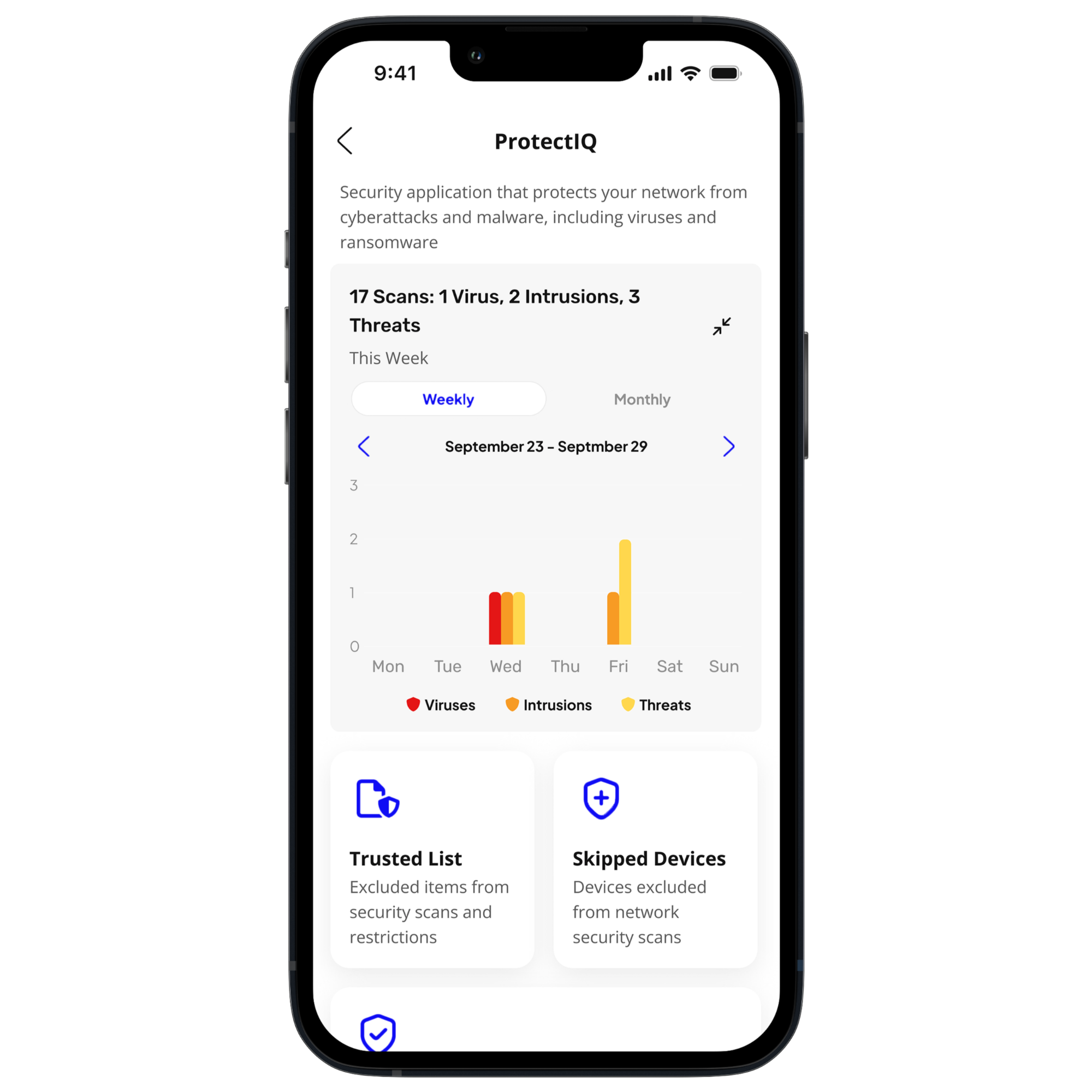
Security & Alerts
Protect Your Network
Manage built-in security settings and stay informed about network activity.
Topics: ProtectIQ • Security • Alerts • Notifications
Resources
- Enable Wi-Fi App User Guide (Pages 5–10)
- Enhanced Cybersecurity (Video)
- Alerts & Notifications (Video)
- Enable & Disable Services (Video)
ExperienceIQ*
*Must have package or upgrade for ExperienceIQ service.*
Manage Internet Usage
Create profiles, organize devices, and manage internet access with ExperienceIQ.
Topics: People Profiles • Screen Time • Device Priorities • Usage
Resources
- Enable Wi-Fi App User Guide (Pages 5–10)
- Set Up Basic Staff Controls (Video)
- Set Up Enhanced Staff Control Profiles (Video)
- Set Screen Time Limits (Video)
View Usage (Video)

Mesh Wi-Fi Coverage
Expand Coverage
Improve Wi-Fi coverage throughout your office, storefront, warehouse, or facility.
Topics: Mesh Wi-Fi • Wired Mesh • Wired Devices
Resources
- Enable Wi-Fi App User Guide (Pages 13–14)
- Set Up a Mesh Satellite (Video)
- Set Up Your Mesh (Video)
- Set Up Your Mesh (Wired) (Video)
- Connecting Wired Devices (Video)

Troubleshooting
Keep Your Network Running
Learn how to troubleshoot common Wi-Fi issues and access additional support.
Topics: Bandwidth Test • Reboot System • Notifications • Support
Resources
- Enable Wi-Fi App User Guide (Pages 10–14)
- Run a Bandwidth Test (Video)
- Learn About Notifications (Video)
SmartBiz
ⓘ CommandWorx® Notice
Some screenshots, videos, and vendor resources may display the CommandWorx® name. CommandWorx refers to the app used with SmartBiz services and features, provided to Aptitude Internet customers.
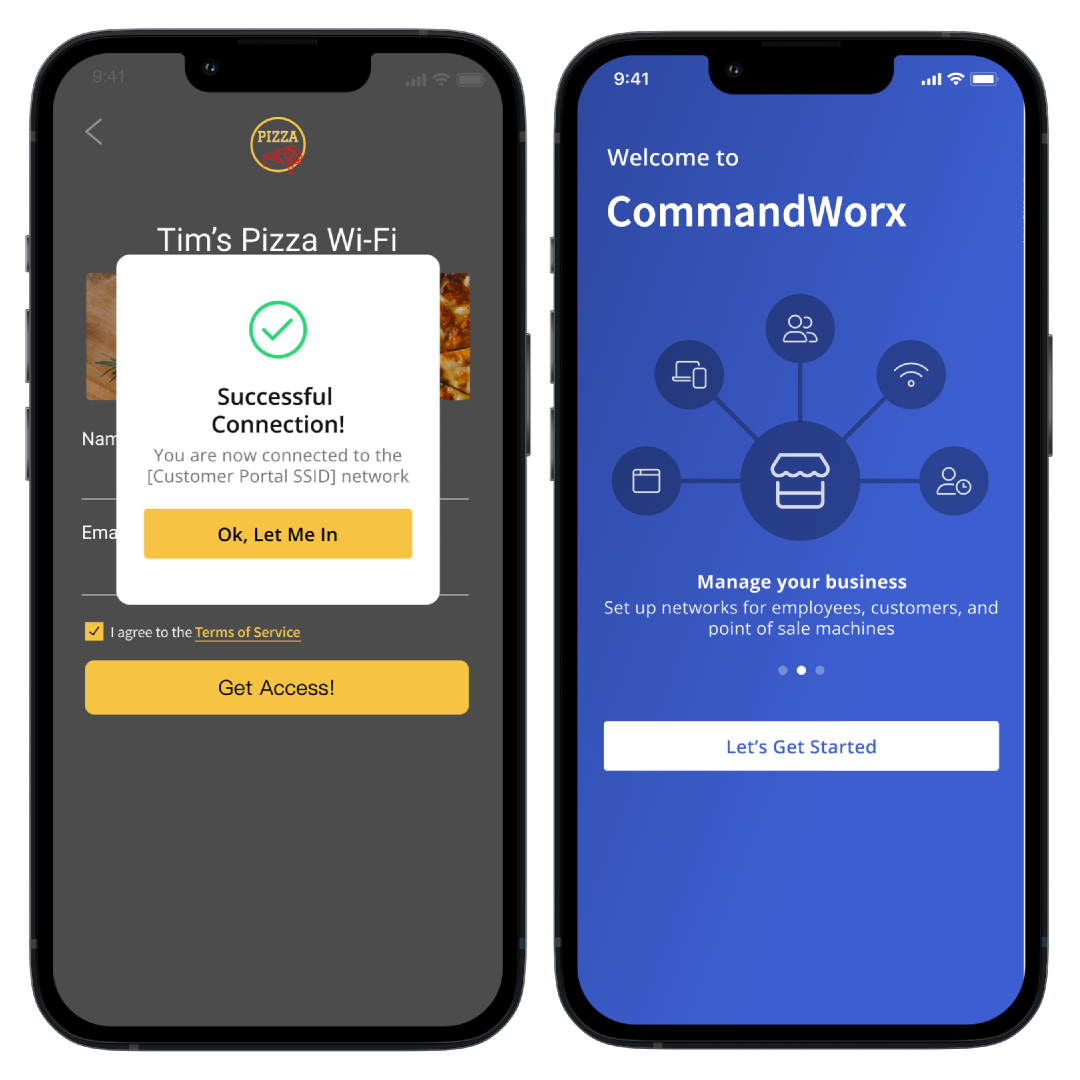
CommandWorx® App
Manage SmartBiz From Anywhere: The CommandWorx app gives you access to SmartBiz network settings and management tools from your mobile device.
Use the app to:
- View connected devices
- Manage Wi-Fi networks
- Configure guest access
- Manage employee networks
- Monitor security alerts
- Access SmartBiz settings

Quick Start Guide
Get Started with SmartBiz. Learn how to create your account, configure your primary network, and begin managing SmartBiz features.
Resources Available:
- Quick Start Guide
- Wi-Fi & App Setup (Video)

Device Setup & Management
Connect & Manage Devices
Set up, monitor, and manage the devices connected to your business network.
Resources
- Device Setup Guide
- Connecting Wired Devices (Video)
- Connected Devices (Video)
- Bandwidth Test (Video)
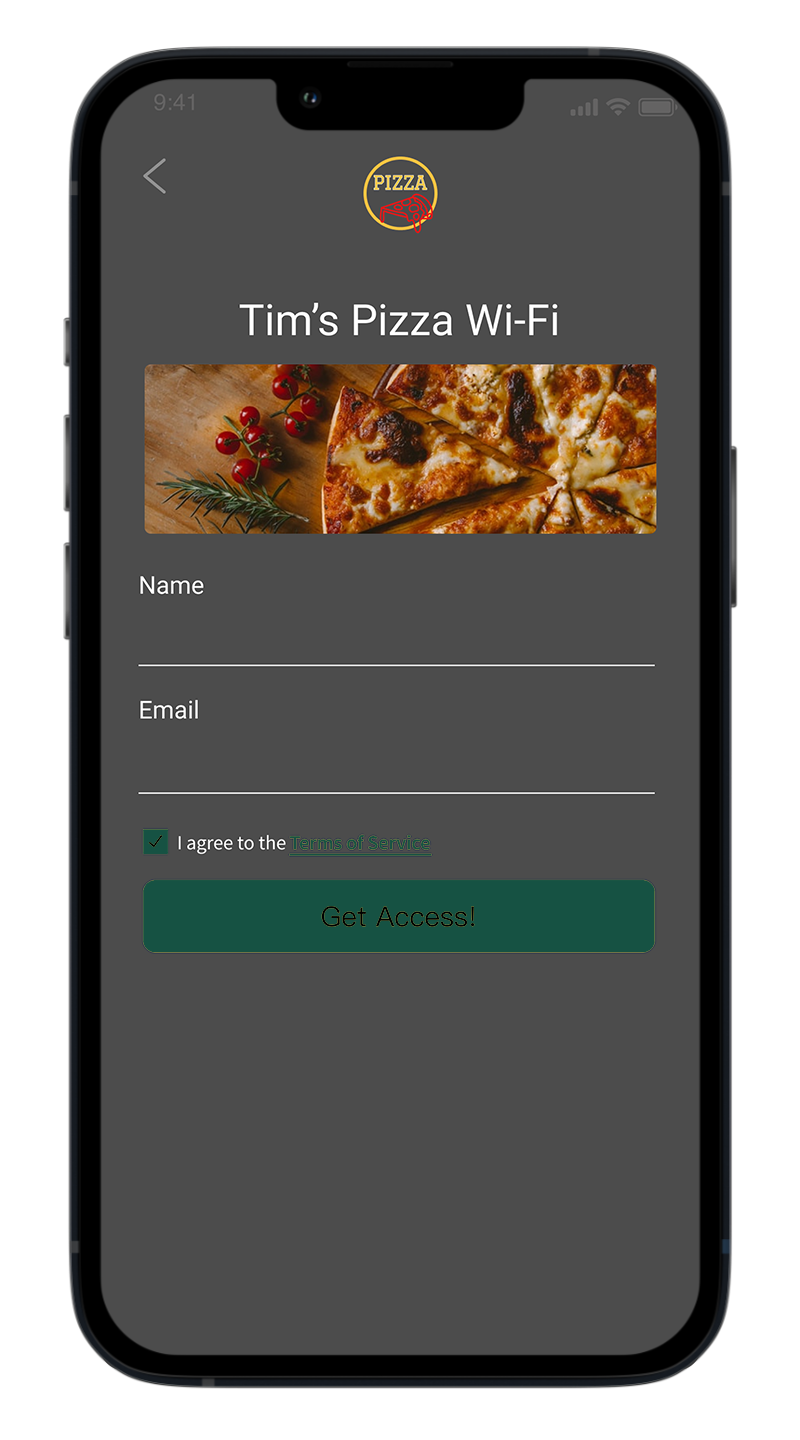
Customer Wi-Fi Portal
Create a Branded Guest Experience, Configure guest access, customize your portal, and manage visitor settings.
Resources Available:
- Customer Portal Guide
Quick Start Guide

Staff Networks
Manage Employee Access. Create dedicated employee Wi-Fi networks and configure staff credentials.
Resources Available:
- CommandWorxApp User Guide (pages 6-7)
- Staff Network (Video)

Point-of-Sale Networks
Secure Payment Devices
Keep payment terminals and business-critical devices secure and separated from guest traffic.
Topics: POS Setup • Device Isolation • Secure Connections • Payment Terminals
Resources
- CommandWorx App User Guide (Pages 2–3)
- Point of Sale Network (Video)
Mesh Wi-Fi Coverage
Expand Coverage Throughout Your Business
Extend reliable Wi-Fi coverage throughout your office, storefront, warehouse, or facility.
Resources
- Mesh Satellite Setup (Video)
- Wired Mesh Configuration (Video)
Security & Content Controls
Protect Your Network
Manage security settings and monitor network activity.
Topics: Content Filtering • Security Alerts • Trusted Sites • Intrusion Protection • Network Monitoring
Resources
- CommandWorx App User Guide (Pages 5–8)
- Built-In Network Security (Video)

Network Resilience
Backup Internet Connectivity
Configure backup internet and automatic failover to keep your business connected.
Topics: Backup Internet • Automatic Failover • Connection Protection
Resources
- CommandWorx App User Guide (Page 9)
- Network Resilience (Video)
Business Phone

Select the guide that matches your service.
Business Lines User Guide
For standard business phone features including voicemail, call forwarding, and call transfer.
Business Cloud Communications User Guide
For cloud-based phone services, advanced settings, user management, and hosted voice features.

Before You Dig
Planning construction, utility work, landscaping, signage installation, or other projects that involve digging? Learn how to protect private fiber facilities, when to contact 811, and request an Aptitude Internet locate before work begins.
Still Need Help?
Whether you have a question about your service, need help troubleshooting an issue, or want to speak with our team, we're here to help.